


















🌐 Translated automatically
Free tool
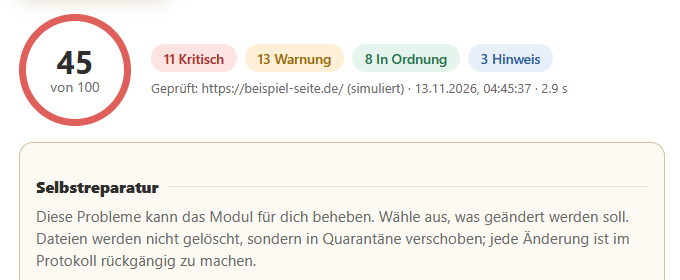
Enter a URL, click the button, and the tool will extract the page’s most important meta tags, list them clearly and rate the basic SEO quality on a scale of 0 to 100.
Good to know:
Extracting meta tags
All
<meta>
tags, as well as the title and canonical link, are displayed in a table, including Open Graph details.
SEO score
Missing or unfavourable values result in points being deducted. Specific warnings show you what you can improve.

No registration required
The tool is available to the public. No input data is stored.
How it works
-
Enter the website address, e.g.
https://example.com(the protocol is automaticallyhttps://). - Click on ‘Check meta tags & SEO’ .
- View the table containing all meta details and the SEO rating, including the score and notes.
What is checked?
| Checkpoint | Rating | Penalty |
|---|---|---|
| Title | Present, 10–65 characters | up to −20 |
| Meta description | Available, 50–160 characters | up to −20 |
| og:image | Open Graph thumbnail present | −5 |
| Canonical |
Canonical link (or
og:url
) present
|
−5 |
| Robots |
Warning at
noindex
|
−30 |
The score provides a quick overview and is no substitute for a full SEO analysis. Content, loading time, backlinks and other factors are not assessed.
Good to know
- Some large websites (e.g. those with bot protection) block automated requests. In such cases, a message such as ‘Target page responds with HTTP 403’ will appear; this is due to the page being checked, not the tool.
- For security reasons, only publicly accessible websites (http/https) are checked; internal or local addresses are not.
- To ensure fairness, there is a limit of 20 queries per minute.
- A maximum of 2 MB of the page is read per request.
Download under Modules: