









SK Scraping Protection
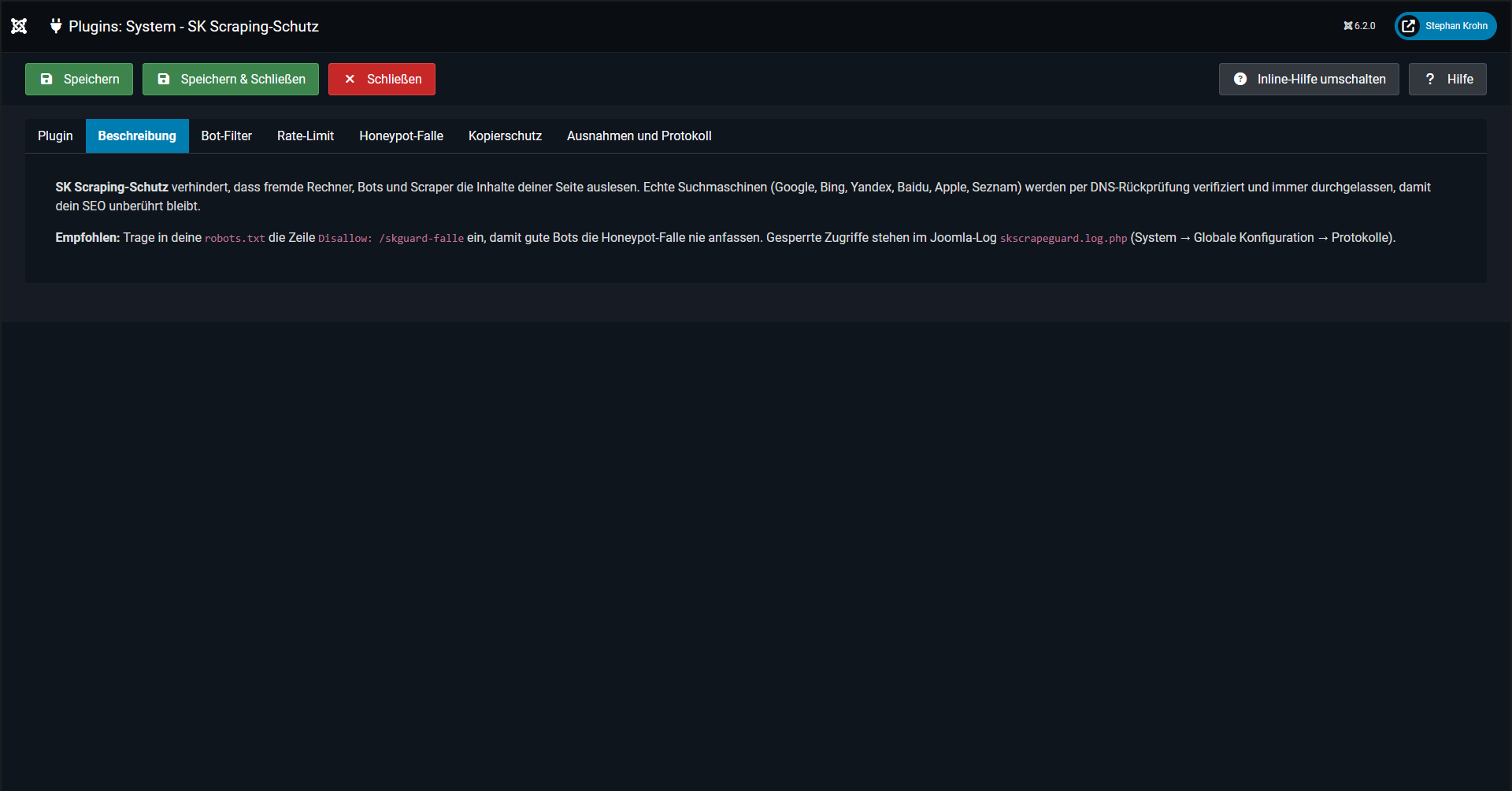
Protects your website’s content from being automatically extracted by external computers, bots and scrapers. Genuine search engines are recognised and always allowed through, so your SEO remains unaffected.
Key points at a glance
- Search engines remain unrestricted: Google, Bing, Yandex, Baidu, Apple and Seznam are verified via DNS reverse lookup and are never restricted.
- Scrapers are blocked: download programmes, scripts, headless browsers, AI crawlers and SEO analysis tools are redirected to a block page.
- Automatically active: Once installed, the protection works immediately with sensible default settings.
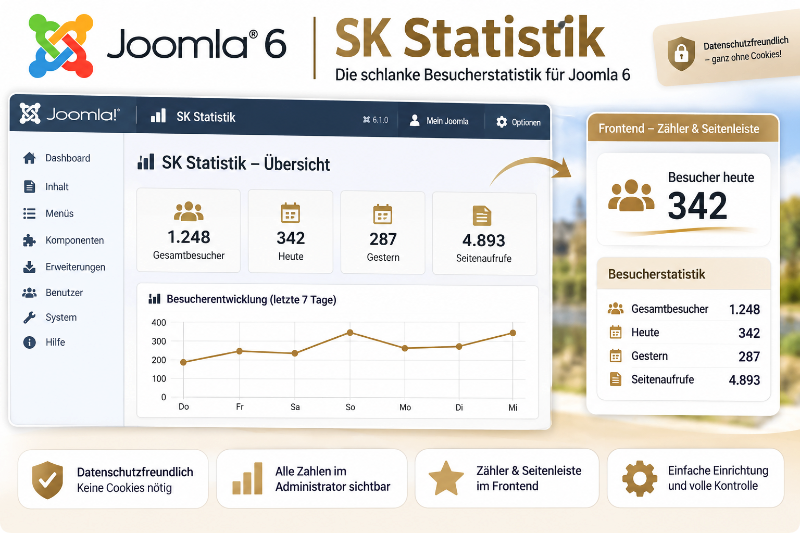
- With statistics: An admin view shows who was blocked, when and why.
Features
Anyone claiming to be Googlebot is verified via reverse DNS (forward-confirmed). Genuine bots are allowed through without restriction; fakes receive a 403 error.
Blocks scraping programmes (curl, wget, Python, Scrapy, HTTrack, Selenium, Puppeteer and more), AI crawlers (GPTBot, ClaudeBot, CCBot, Bytespider, etc.), SEO analysis tools (Semrush, Ahrefs, MJ12, etc.) and requests without a user-agent. Each group can be enabled or disabled individually, and each has its own block list.
Custom exceptions, such as DuckDuckBot or Claude users. These take precedence over all blocklists and are only throttled to one-third of the standard limit. Link preview bots (Facebook, WhatsApp, LinkedIn, Slack, etc.) can be permitted separately.
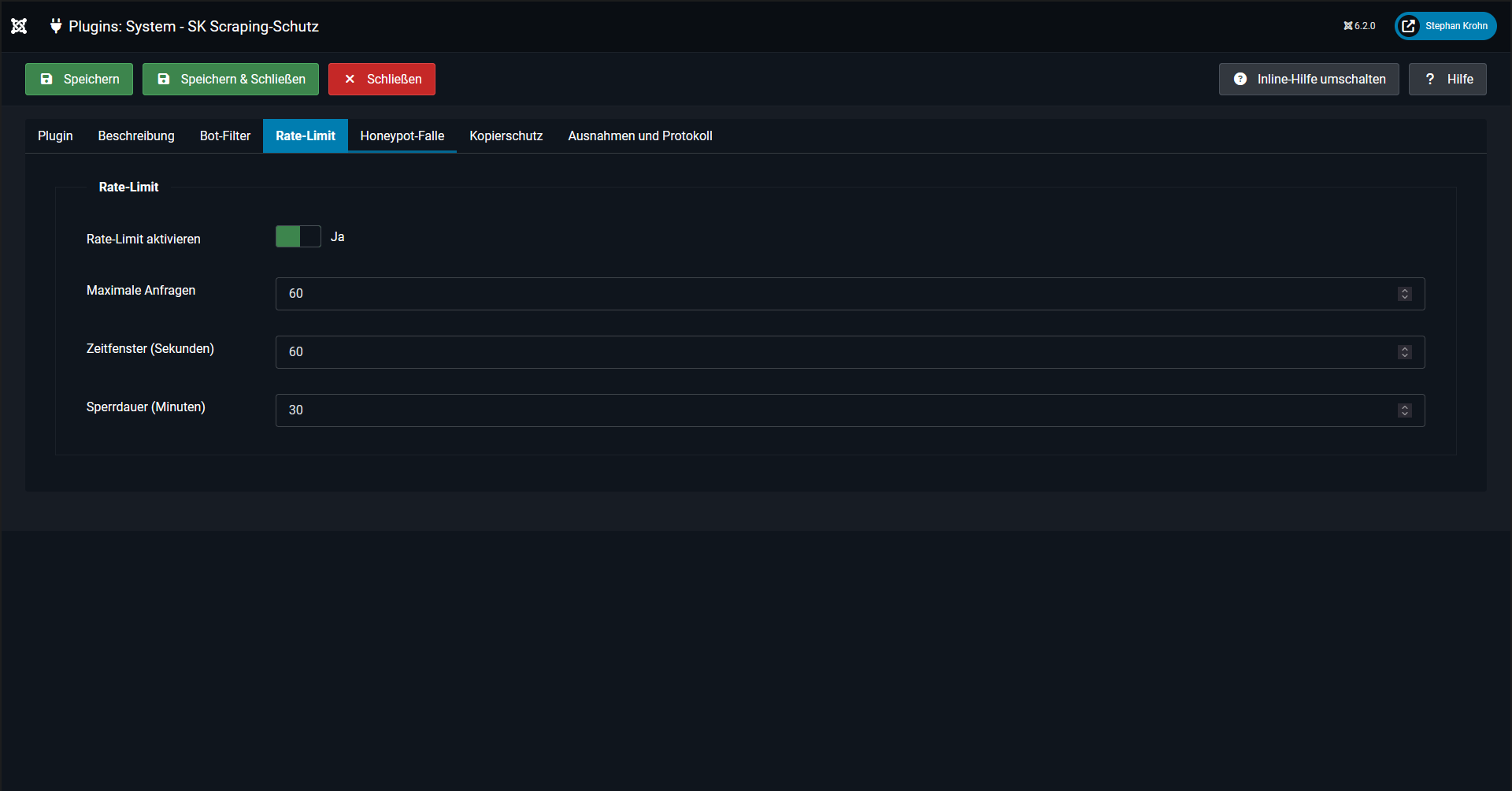
Anyone who accesses a conspicuously large number of pages in a short space of time will be throttled and blocked for a configurable period (Error 429, default: 60 requests per minute, 30-minute block).
A link invisible to humans, which only bots follow. Anyone who accesses it will be immediately blocked for 24 hours. Search engines do not receive this link.
Makes it more difficult for visitors to copy content: either for images only (right-click, drag) or for images and text (select, copy). Input fields remain usable.
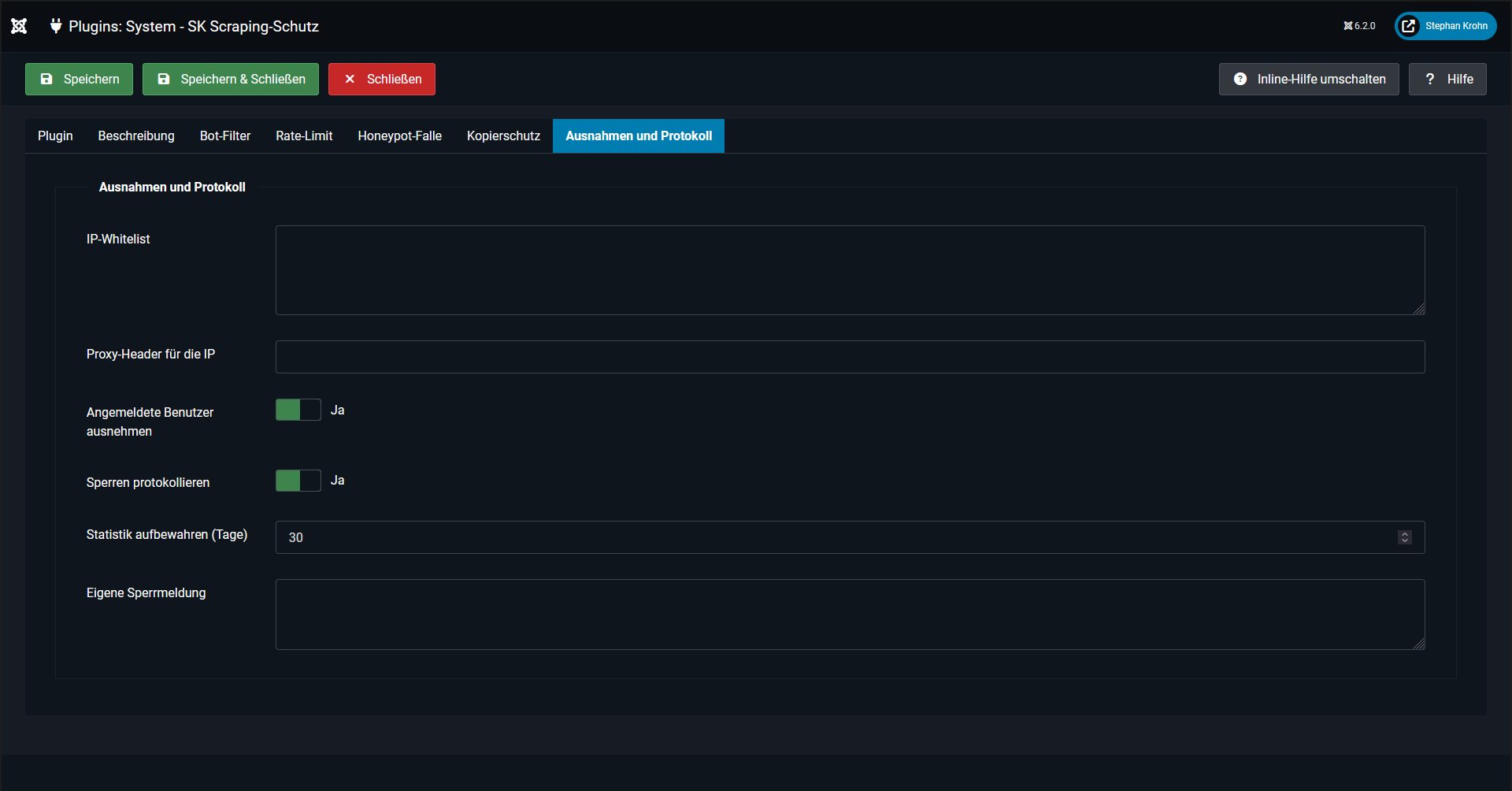
IP whitelist with individual IP addresses and networks (CIDR, IPv4 and IPv6); logged-in users are never restricted. The IP header can be specified for Cloudflare and other proxies.
The text on the blocked page can be freely edited. Blocked pages are served with the noindex tag and never appear in search engine results.





Statistics in the admin panel
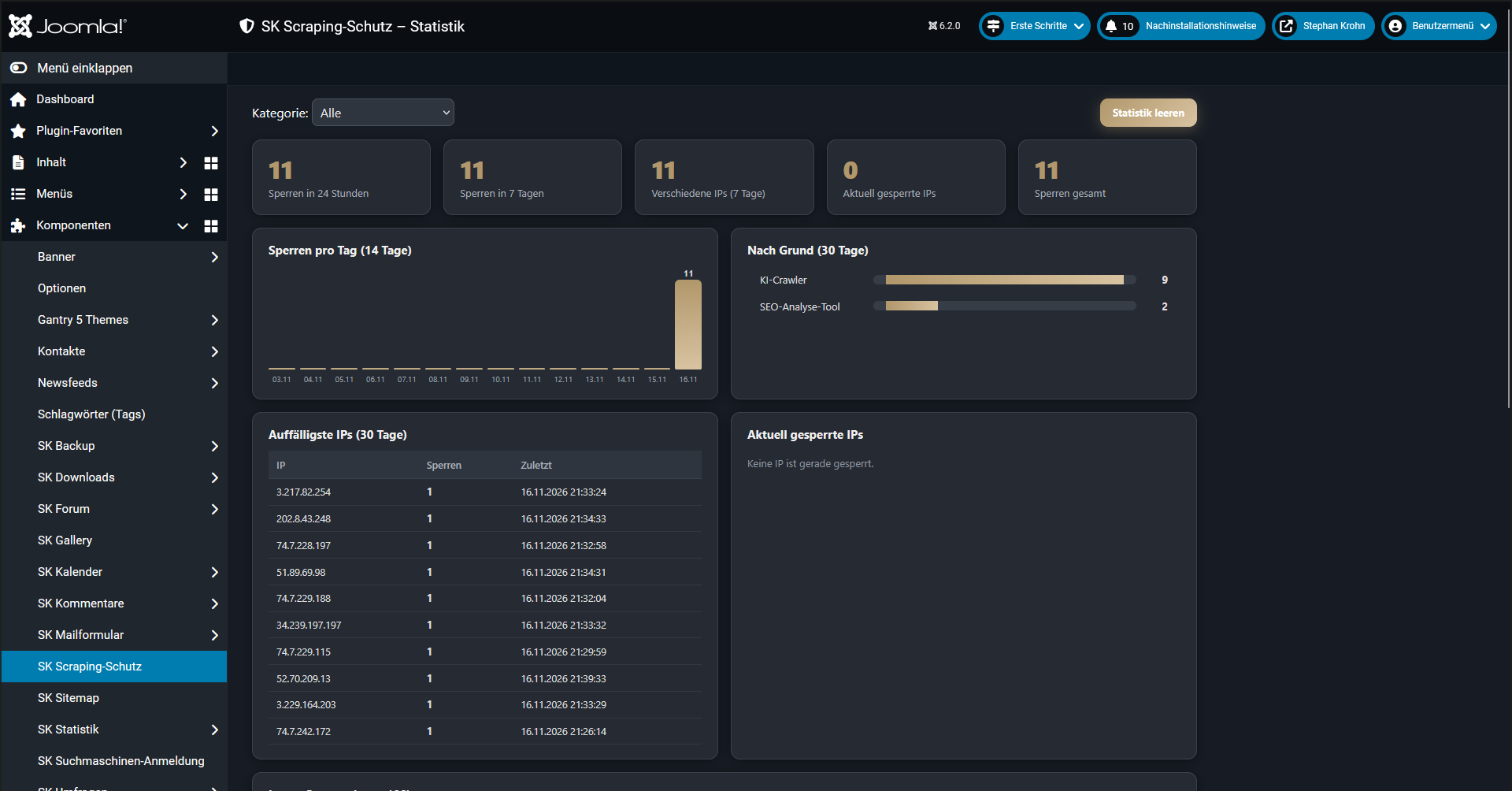
Under Components → SK Scraping Protection, you’ll find the statistics:
- Key figures: blocks in the last 24 hours, in the last 7 days and in total; different IP addresses and currently blocked IP addresses
- Bar chart for the last 14 days
- Analysis by reason (scraper programme, AI crawler, honeypot, rate limit, etc.)
- The most notable IPs over the last 30 days
- Currently blocked IPs with block end date and Unblock button
- The last 100 blocks with time, IP, reason, user-agent and URL, filterable by reason
- Clear statistics with a single click; old entries are automatically deleted (default: after 30 days)
The view adapts to both the light and dark admin themes.
Setup
- 1Install the pkg_skscrapeguard package in the Joomla admin panel under System → Install → Upload Extensions. The plugin will be activated automatically.
- 2Add the following line to the robots.txt file
Disallow: /skguard-falleso that legitimate bots never trigger the trap. - 3Add your own IP address to the whitelist if you’re testing the site using scripts or tools.
- 4If you’re using Cloudflare or a proxy, set the header name (e.g.
CF-Connecting-IP), otherwise the plugin will only see the proxy IP.
Good to know
- A scraper that masquerades as a normal browser and fetches data very slowly can never be completely ruled out. The protection keeps the vast majority of bots and tools out and slows down anything that looks suspicious.
- The User-Agent can be spoofed. Bots in the ‘Allowed Bots’ list are therefore only subject to the rate limit. For maximum security, it is better to use the IP whitelist.
- The copy protection in the browser is merely a hurdle for casual users and offers no protection against scrapers.
- Only front-end requests are blocked. The administrator area and logged-in users remain unaffected, as do robots.txt and the sitemaps.
- Blocked access attempts are also recorded in the Joomla log
skscrapeguard.log.php.
Wie bewertest du diesen Beitrag?